Phone Wallpapers
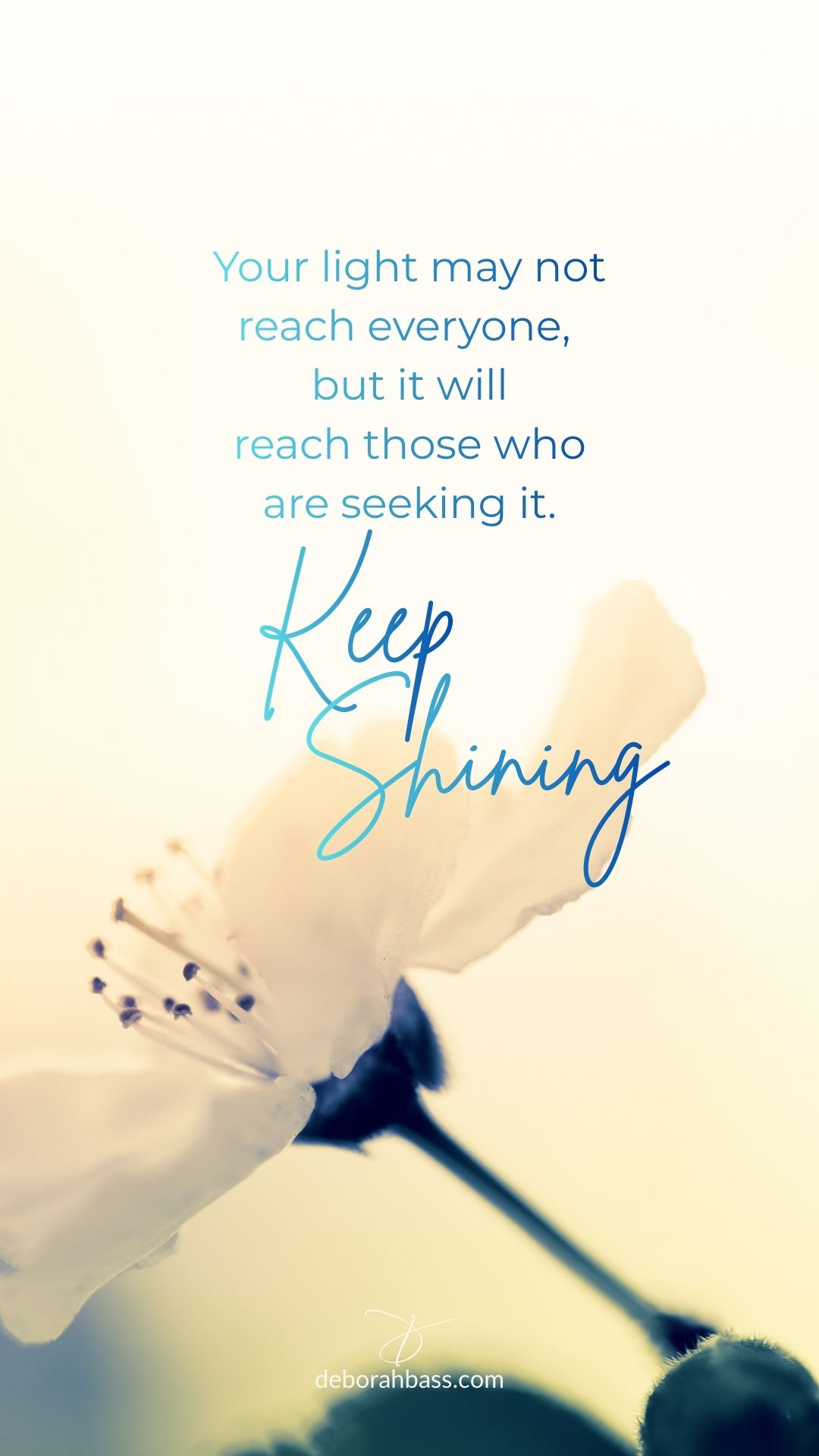
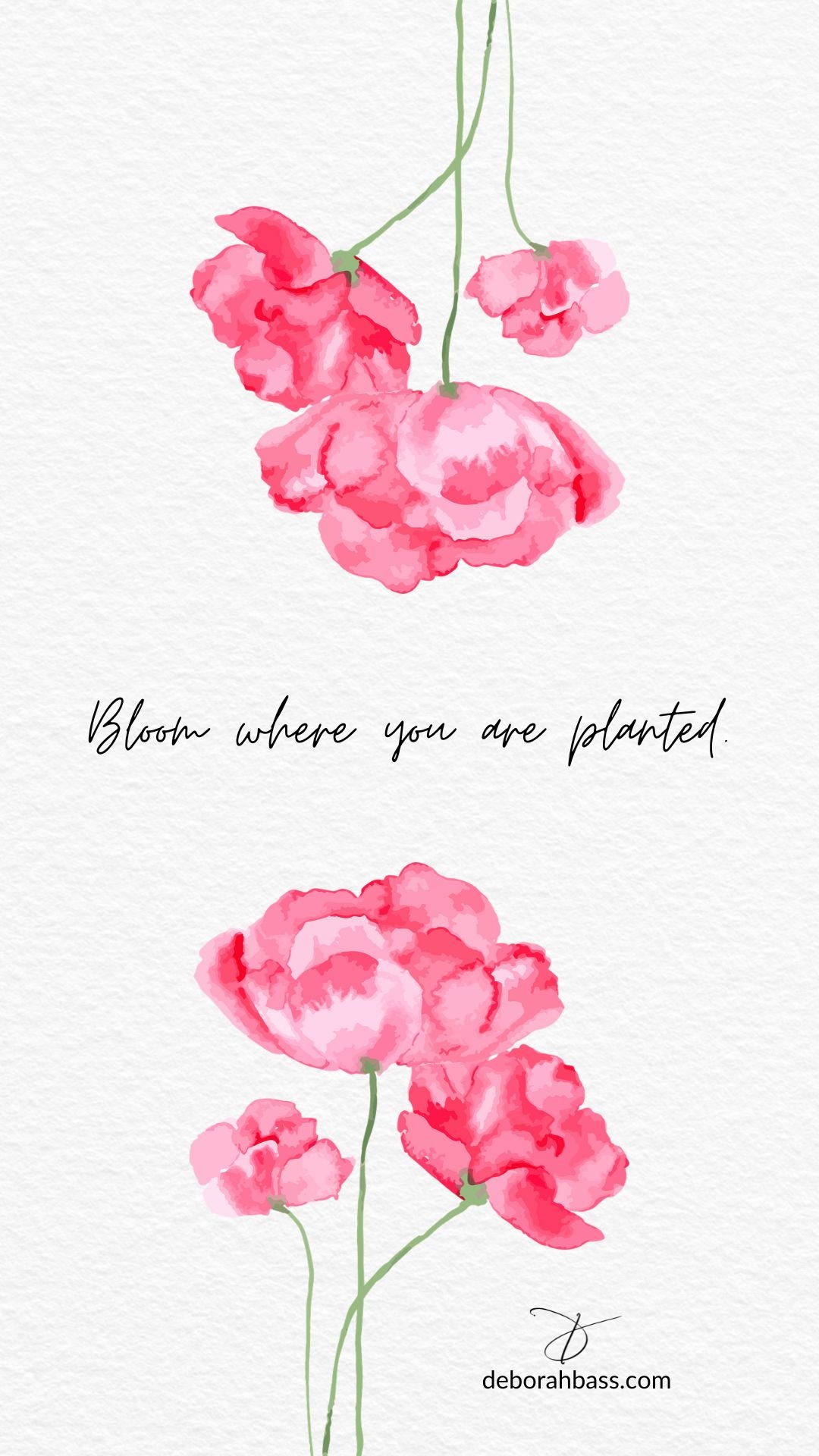
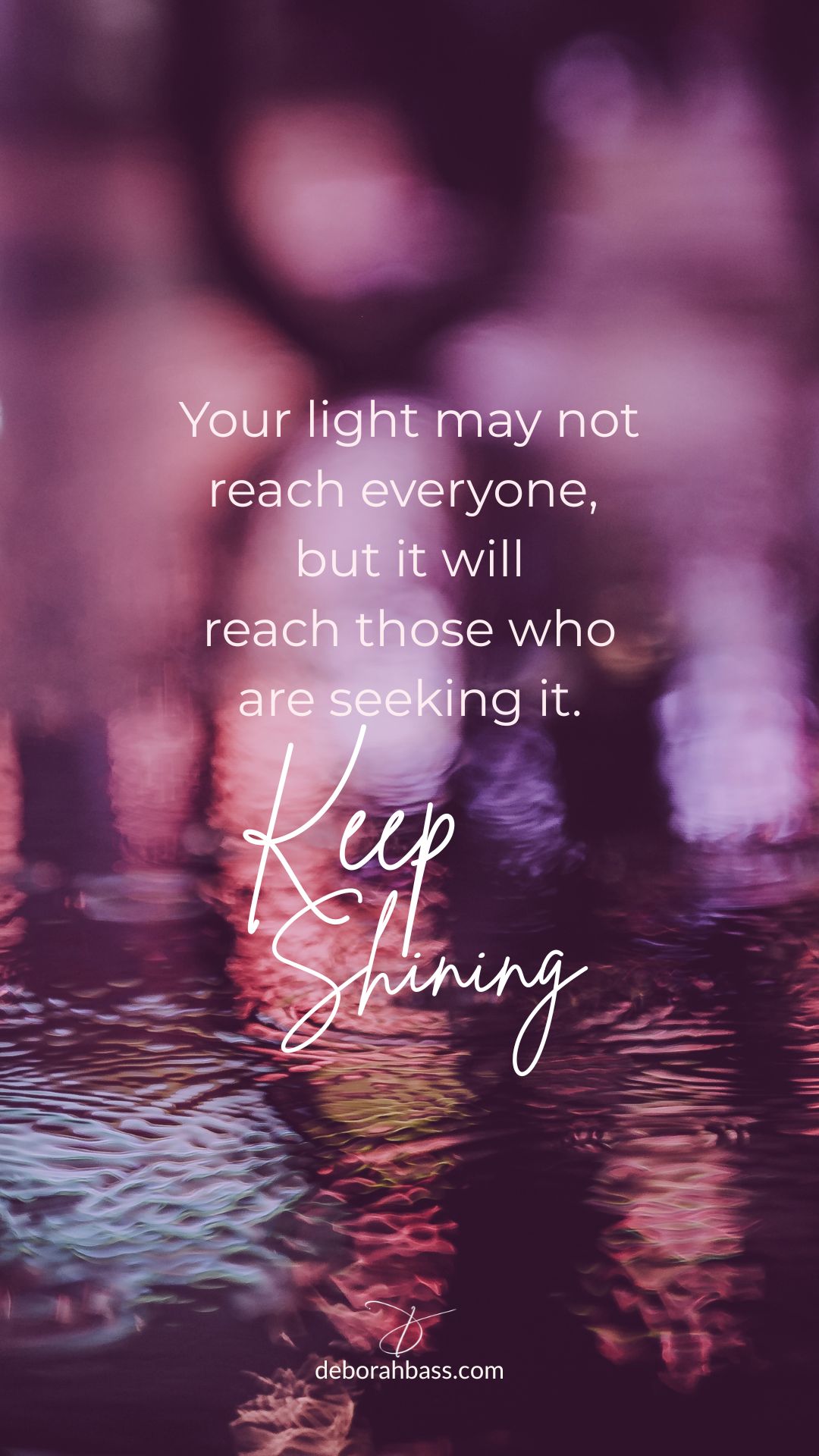
I make phone wallpapers for subscribers to my Links & Lovelies emails and archive them here. Feel free to download them for personal use. For future wallpapers delivered right to your mailbox—along with other inspirations and small delights—subscribe to Links & Lovelies email here.
How to Save Your Wallpaper (All Devices)
iPhone
• Press and hold the image → Save to Photos.
• Open Photos → tap image → Share → Save as Wallpaper.
• Adjust → Add/Set → choose Lock Screen, Home Screen, or Both.
• If Save as Wallpaper doesn’t appear:
Settings → Wallpaper → Add New Wallpaper → Photos.
• Press and hold the image → Save to Photos.
• Open Photos → tap image → Share → Save as Wallpaper.
• Adjust → Add/Set → choose Lock Screen, Home Screen, or Both.
• If Save as Wallpaper doesn’t appear:
Settings → Wallpaper → Add New Wallpaper → Photos.
Android
• Press and hold → Download Image or Save Image.
• Open Gallery/Photos → open the image.
• Tap Set as Wallpaper (or Wallpaper & Style).
• Choose Lock Screen, Home Screen, or Both.
• Press and hold → Download Image or Save Image.
• Open Gallery/Photos → open the image.
• Tap Set as Wallpaper (or Wallpaper & Style).
• Choose Lock Screen, Home Screen, or Both.
Computer
• Right-click → Save Image As → choose any folder (Downloads works).
• Open Messages on your computer.
• Drag the saved image into a message addressed to your own phone number.
• On your phone, open the message → tap the image → Save to Photos.
• Then set it as your wallpaper using the iPhone or Android steps to the left.
• Right-click → Save Image As → choose any folder (Downloads works).
• Open Messages on your computer.
• Drag the saved image into a message addressed to your own phone number.
• On your phone, open the message → tap the image → Save to Photos.
• Then set it as your wallpaper using the iPhone or Android steps to the left.